
1. Make sure you're on admin.per4mance.io.
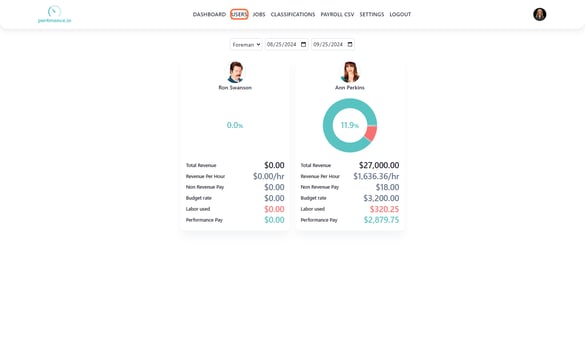
2. Click on "USERS" found on the top of your screen. (If on a mobile device, this will be in a dropdown menu represented by three horizontal lines.)
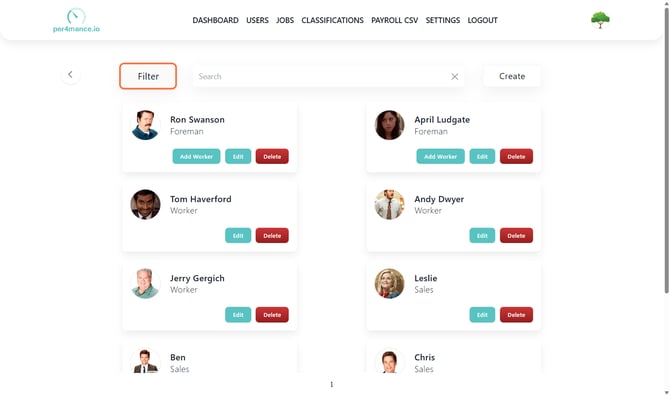
3. Click "Filter" found on the top left corner of your screen.
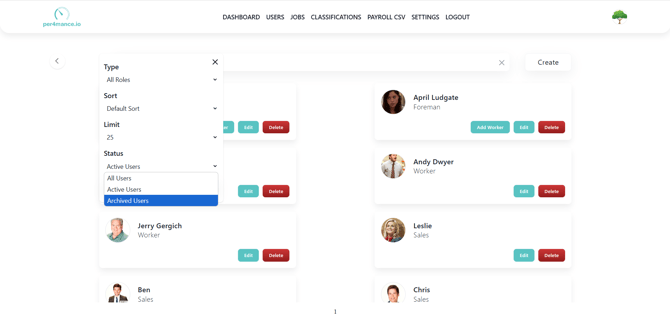
4. Click "Archived Users" from the "Status" filter
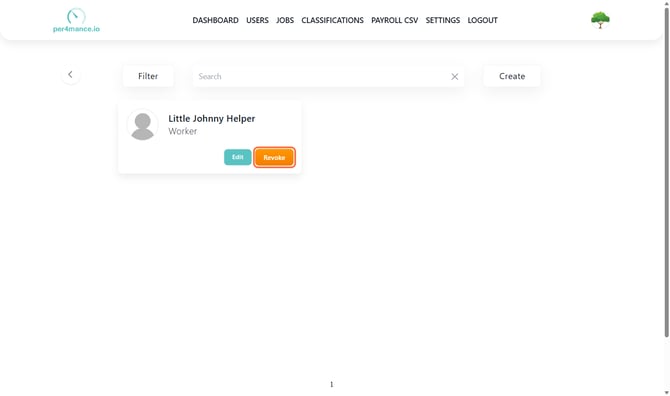
5. Click "Revoke" on the user you want to bring back to Per4mance.
 6. Click "Confirm" finish bringing them back into your roster.
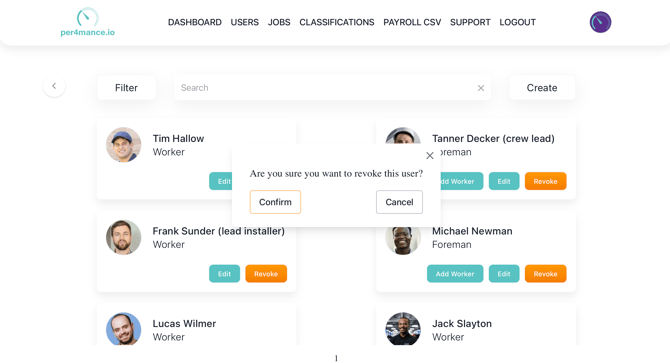
All information and hours will be restored. This will also allow the user to log in as well.
Issues?
Still not able to create an employee? Something may be wrong. Submit a ticket here or book support meeting.